
Contacts
See who the customer is, previous interactions, and information from connected systems — right beside the ticket.
When you open a ticket, the right panel shows who the customer is: name, email, channel, and previous interactions. That keeps the context at hand without looking elsewhere.
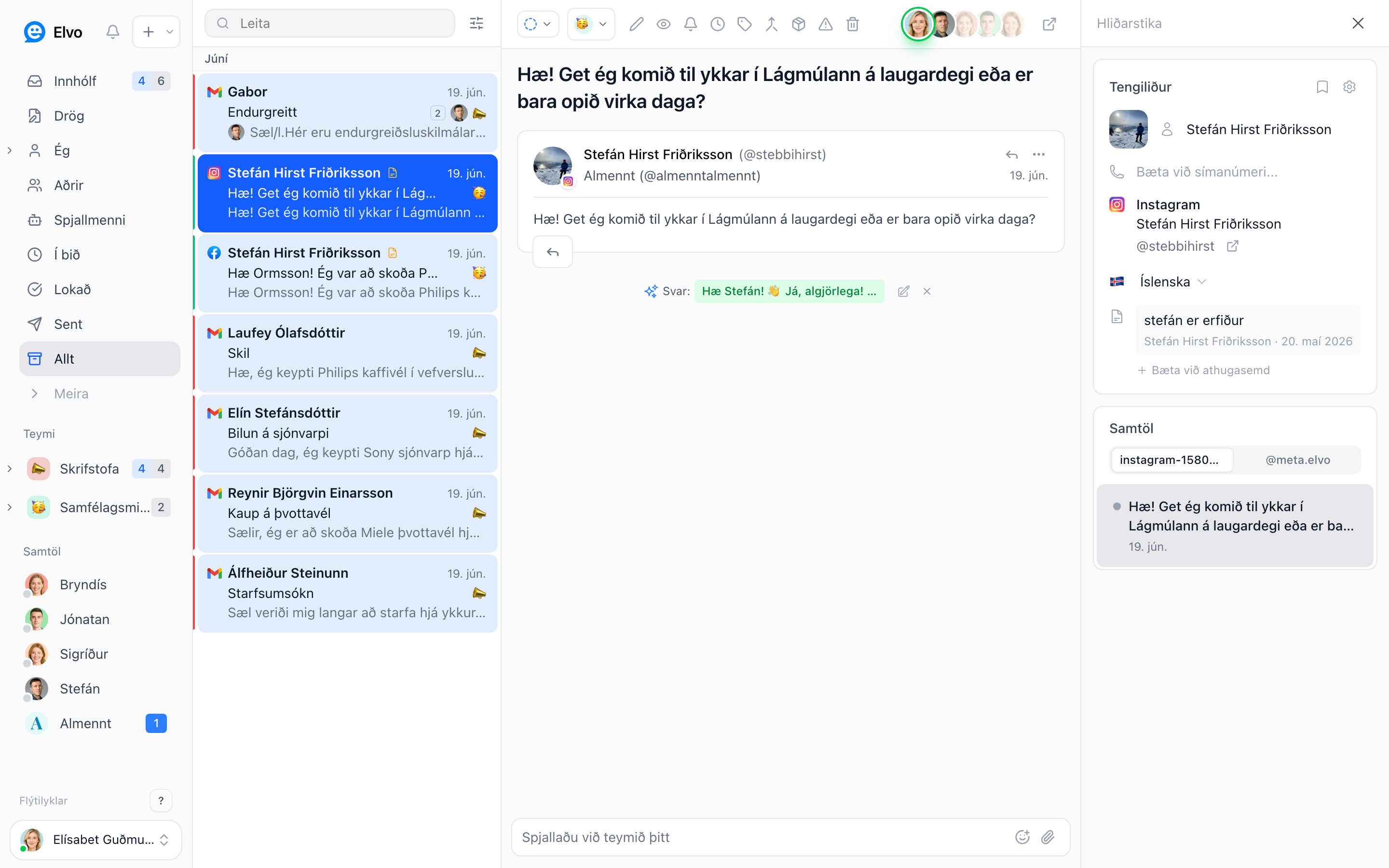
The contact in the ticket
In the right panel you see the contact's details and can add a name, phone number, and notes. The customer's previous tickets also appear, so you see the whole history.
Information from connected systems
If you've connected integrations (e.g. Shopify or accounting), the relevant data — orders, shipments, or invoices — appears right in the panel.
FAQ
Can I hide the contact panel? Yes — click the panel icon at the top right to open or close it.
Are notes on a contact visible to the customer? No, they're internal.