
Personal settings
Set your profile, language, and personal preferences — they follow you across devices.
Personal settings apply only to you, not the whole company, and follow you across devices when you sign in.
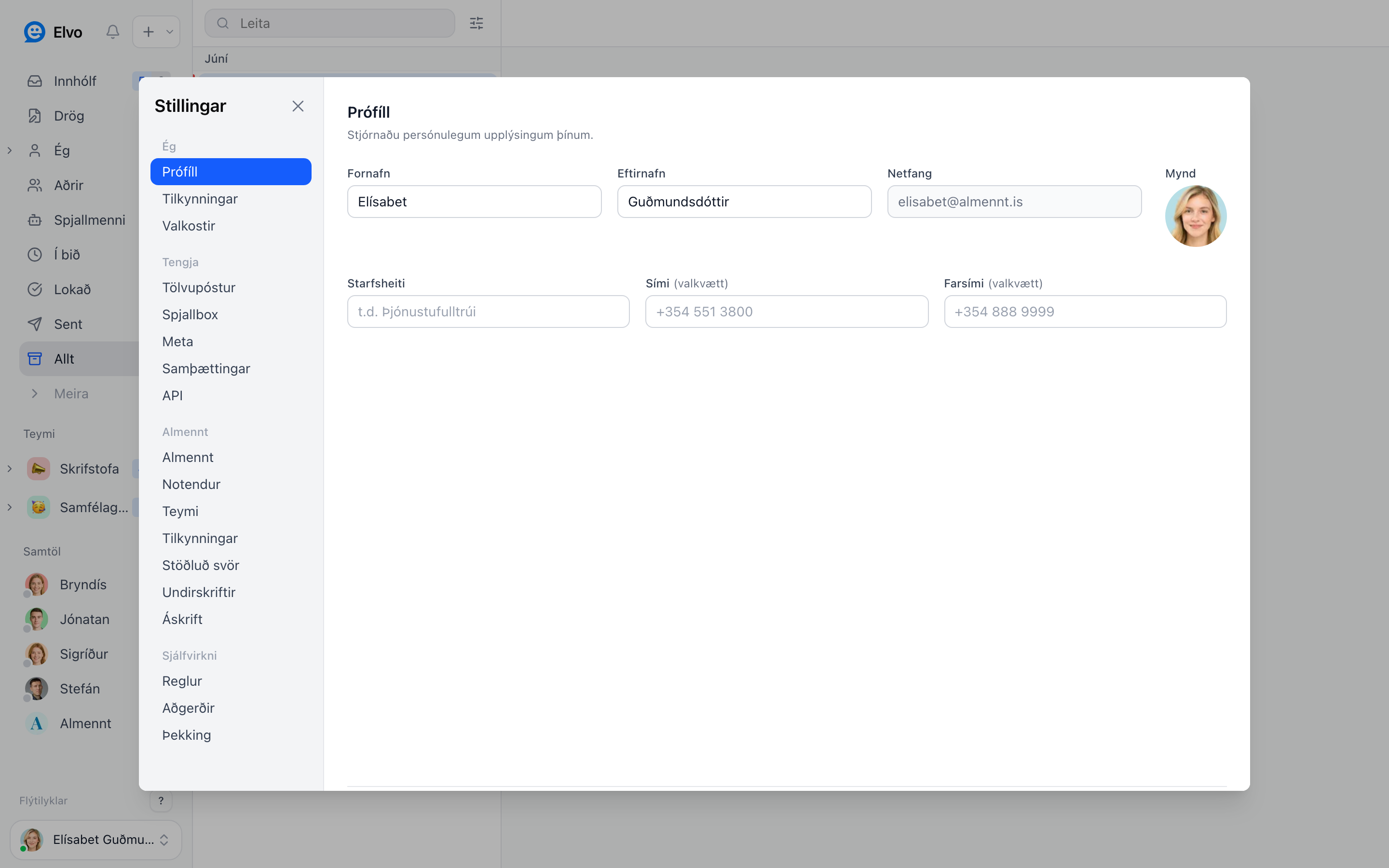
Profile
Open Settings → Profile to set your name, photo, and interface language. Your name and photo are visible to teammates (e.g. on assignment and in team chat).
Preferences
Under Preferences you set personal interface behavior — e.g. ticket sort order and minor display options. These settings sync across devices.
Notifications
When and how you get notifications is set separately — see Notifications.
FAQ
Can others see my personal settings? No. Only your name and photo are visible to teammates; other settings are yours.
Do the settings follow me to my phone? Yes — they sync across every device you sign in on.