
Organization settings
Set your workspace name, logo, languages, and general settings.
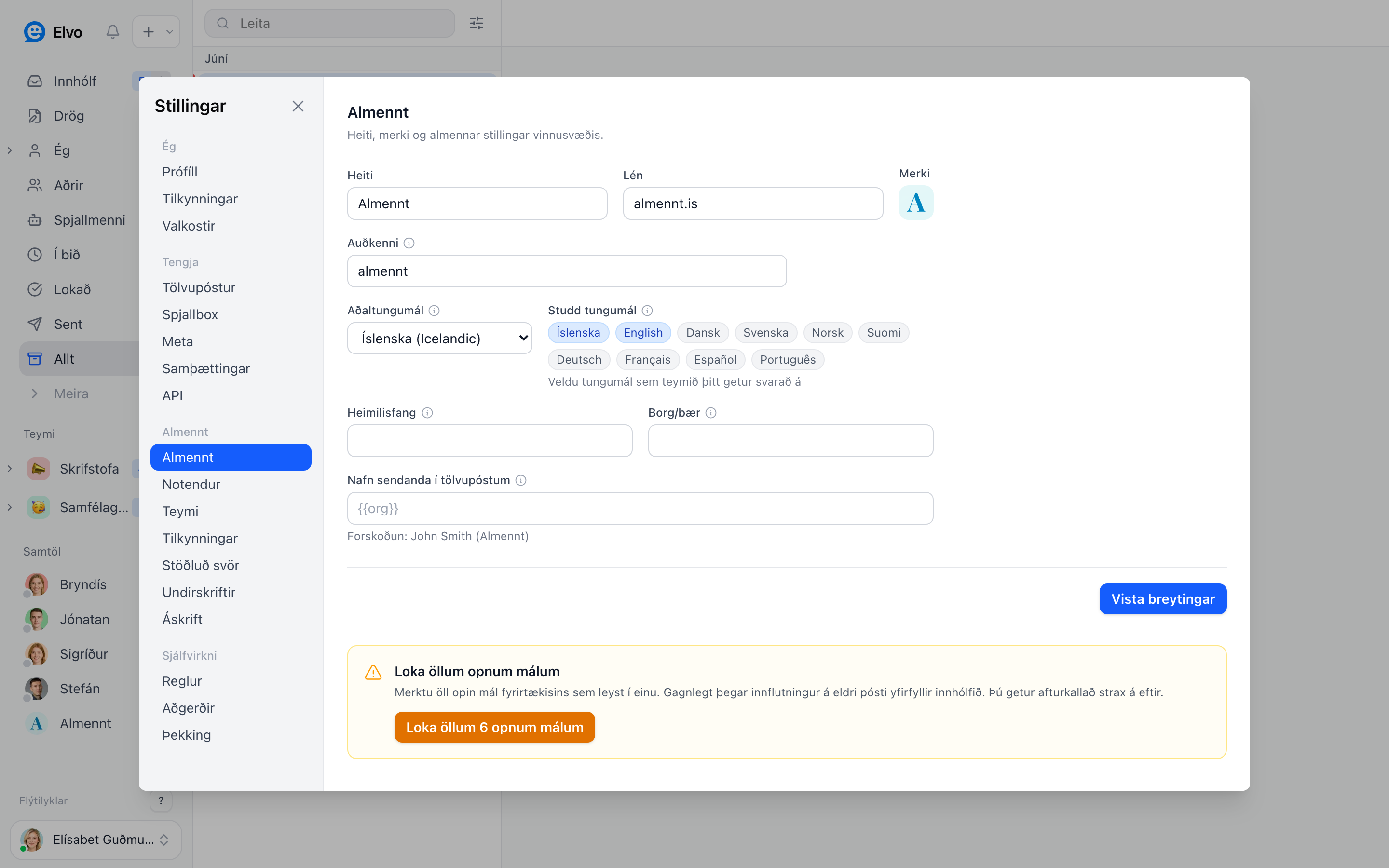
Organization settings (General) control the workspace basics — what customers see and what applies across the whole team.
Basics
Open Settings → General. There you set:
- The company name and logo.
- The workspace domain and identifier.
- The sender name that appears in emails from Elvo.
- An address, if relevant.
Languages
Choose the workspace's primary language and the supported languages your team can answer in (e.g. Icelandic and English). This also controls which languages the AI can answer in.
Close all open tickets
You can also close all open tickets at once — useful when you import older mail and don't want everything landing as open tickets. You can undo it right after.
FAQ
Who can change organization settings? Admins — see Users & roles.
Does the logo change what customers see? Yes, the logo appears in the chat agent, among other places.