
Quickstart
Get Elvo up and running in a few minutes — connect a channel, invite your team, set up AI, and start replying.
This guide gets you started with Elvo in a few minutes. You don't have to set everything up at once — start with your first channel and add more as you get comfortable.
1. Connect your first channel
Start by getting requests in. The most common is email:
- Connect email — Gmail, Outlook, or forwarding.
- Set up the chat agent — an AI agent that chats right on your website.
- Meta — Facebook and Instagram.
2. Learn the interface
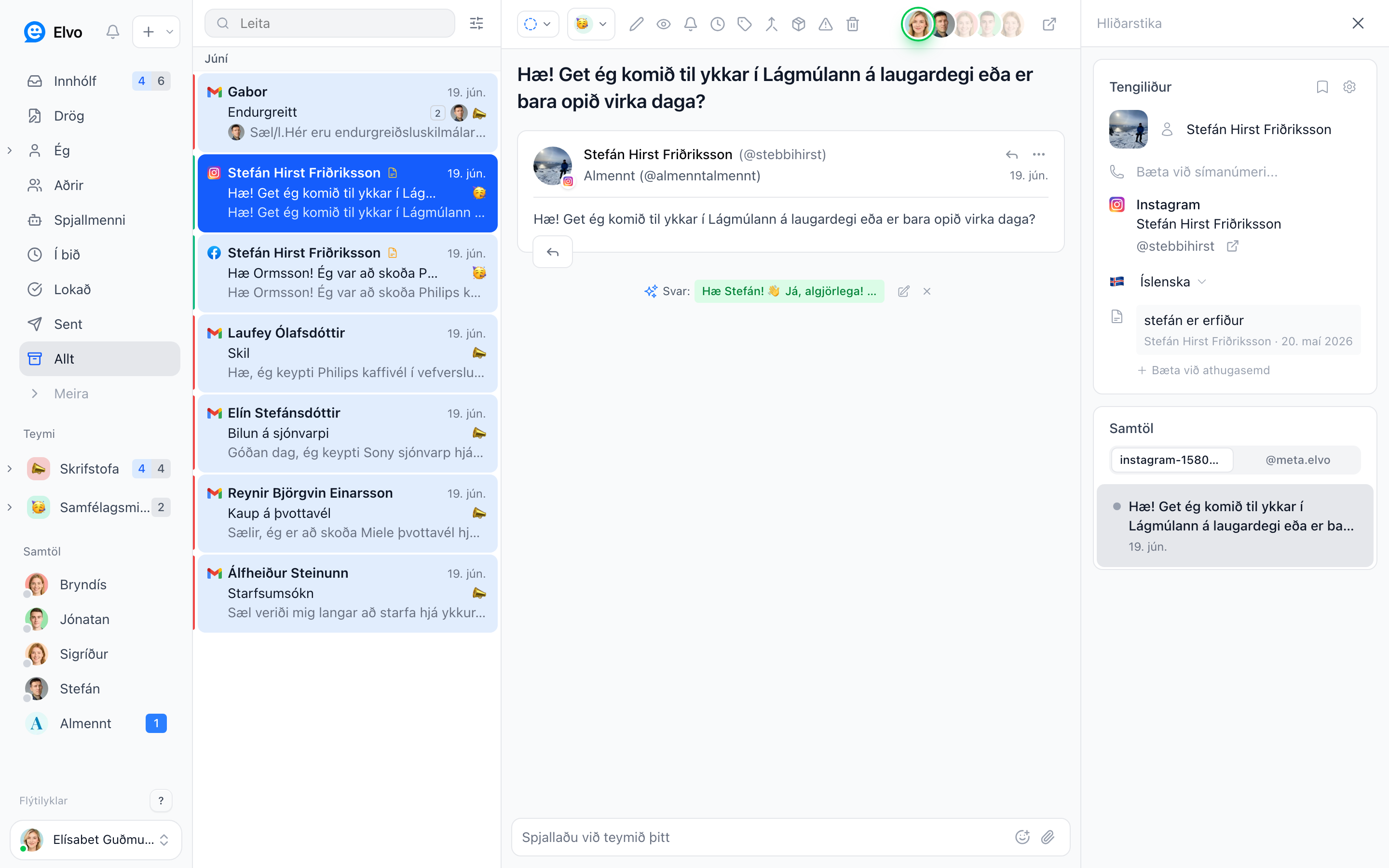
Get to know the four areas — sidebar, ticket list, conversation view, and right panel — in The interface. Then you'll move around the whole app fast.
3. Invite your team
Add colleagues so you can work the same inbox together:
- Users & roles — invite people and choose roles.
- Teams & collaboration — organize groups and share an inbox.
Remember
Connect shared addresses like info@ or sala@ as a mailbox, and invite each person with their own email. Do not create a user for a shared address and share its login. Each user is for one person.
4. Set up AI
Feed the knowledge base with common questions and answers, and Elvo starts drafting replies — and can answer automatically in the chat widget.
5. Start replying
You're up and running. Learn the daily flow in Working with tickets and Replying to customers.
Tip
You don't need to finish every step right away. Connect one channel, answer your first tickets, and add teams, rules, and AI when it suits you.